Calendar & Events
Your tasks and events, together at last.
Most calendar apps show events. Most task apps show tasks. Mintofu shows both — in a single, unified calendar.
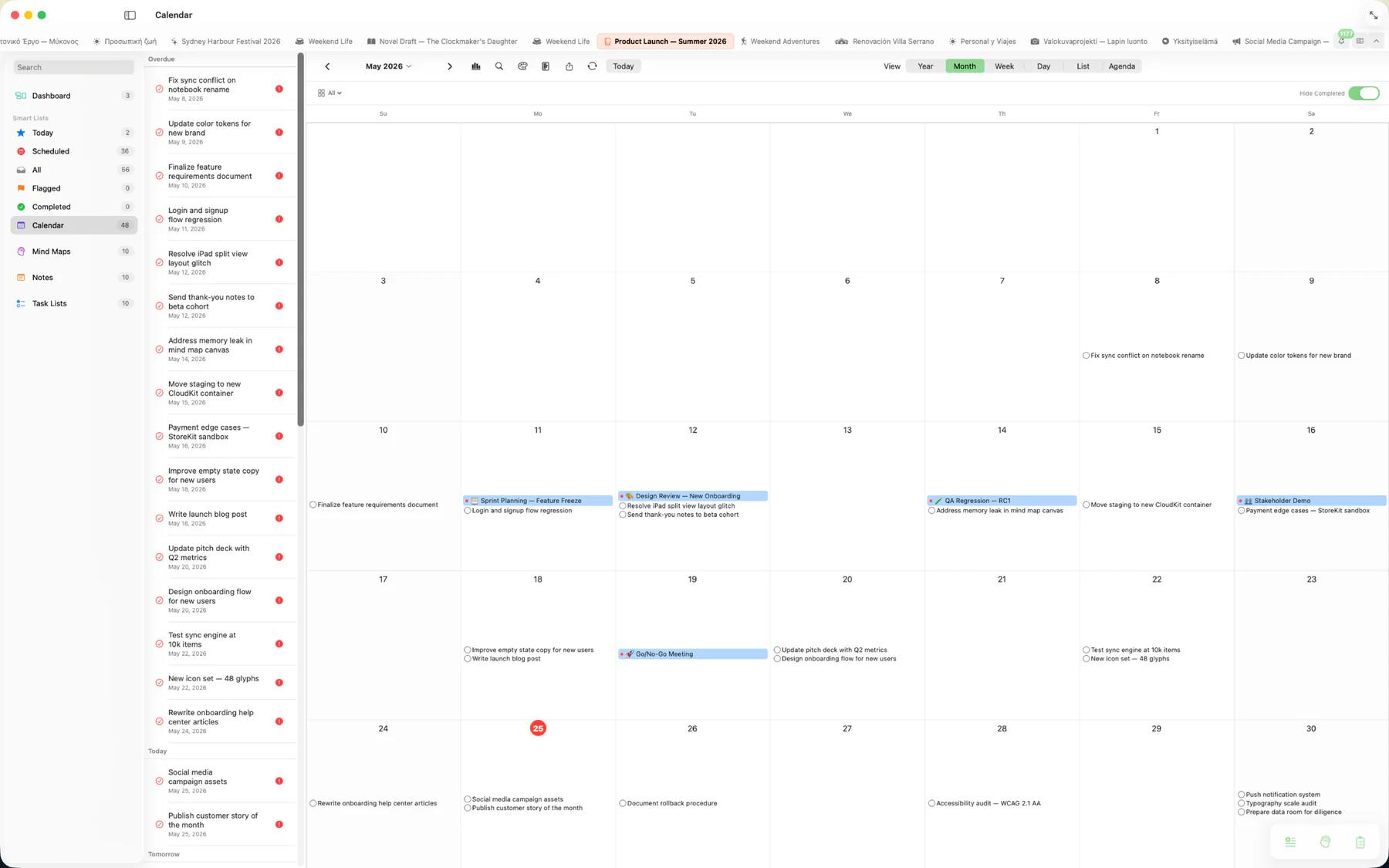
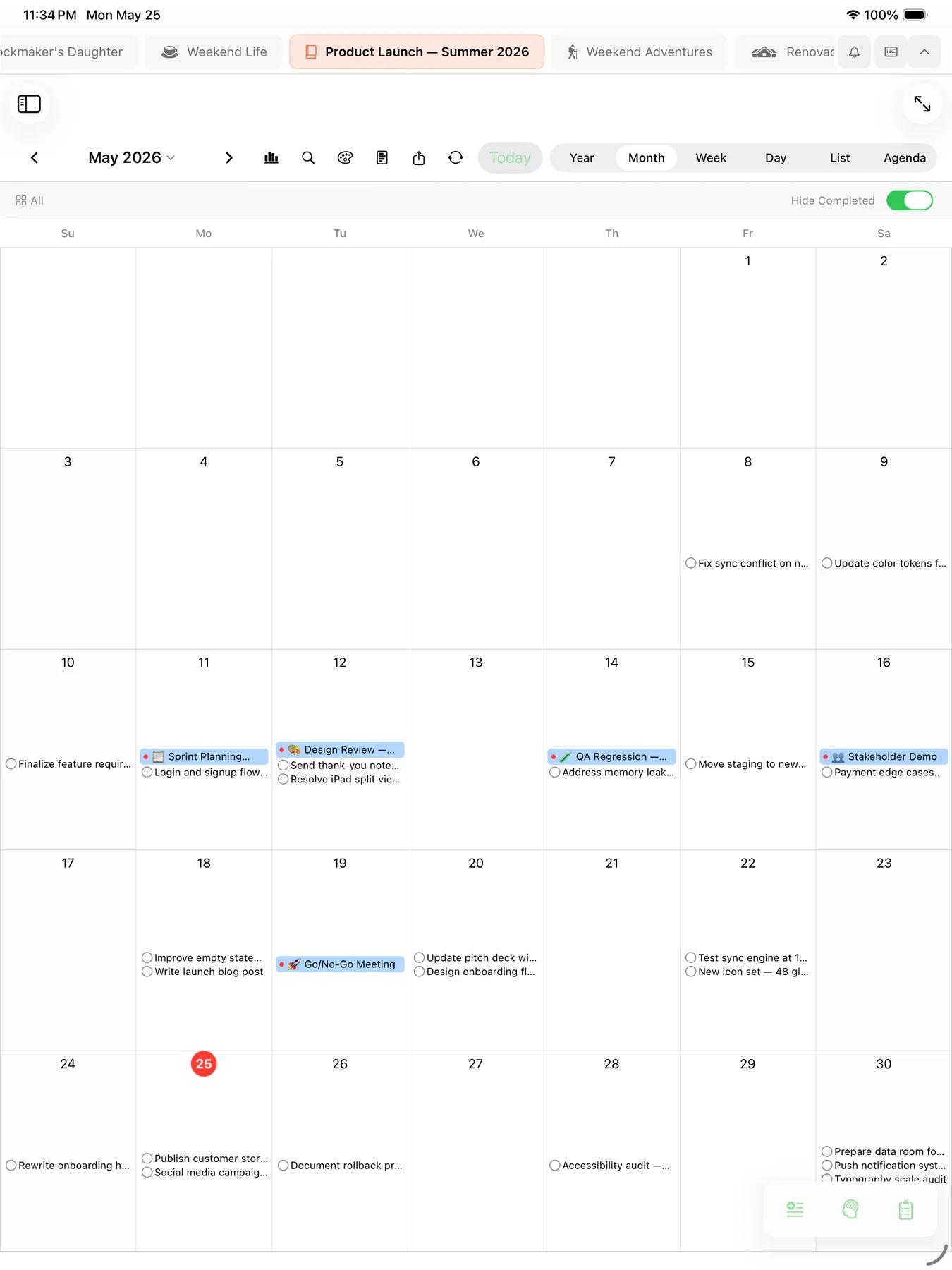
Calendar views
Switch between views to match how you plan.
- Monthly — see the full month at a glance
- Weekly — plan your week with detail
- Daily — focus on today's agenda
- Timeline — a scrollable chronological view

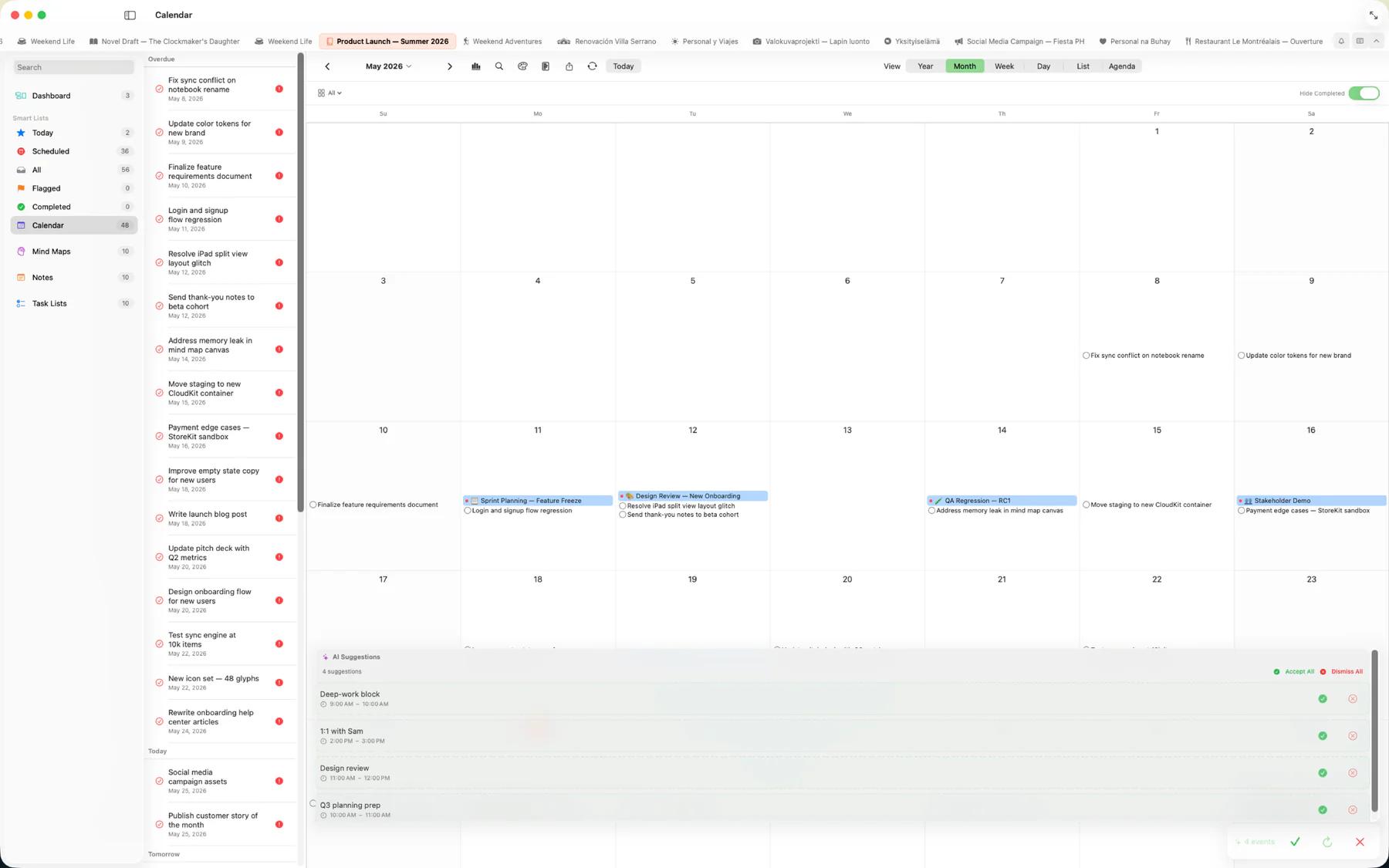
AI-assisted scheduling
On-device Apple Intelligence helps you fill the calendar without lifting a finger.
- Generate — describe a plan like "a 5-day trip to Tokyo" and AI drafts a series of events
- Brainstorm — refine the schedule together in a back-and-forth session with the AI
- Convert — turn tasks or notes into calendar events without retyping
Events
Create events with titles, start/end times, locations, notes, and recurrence patterns. Type naturally — "Lunch with Sarah at noon on Thursday" — and Mintofu parses the date, time, and details for you. Set reminders so you never miss one, and export to iCalendar (.ics) to share with any calendar app.
Device calendar sync
Connect your native device calendars and see those events right alongside your Mintofu tasks. Live sync keeps everything in harmony.
Public holidays
Choose your region in Settings and public holidays appear across every calendar view — so a long weekend never sneaks up on you. Free covers one region; Mintofu+ adds public holidays for multiple regions at once.
Siri & Shortcuts
Create events by voice with Siri, or build Shortcuts to schedule recurring events and automate calendar workflows hands-free.